Underscored
Original music that synchronizes to your reading pace. Every book gets a unique score that evolves with the narrative.


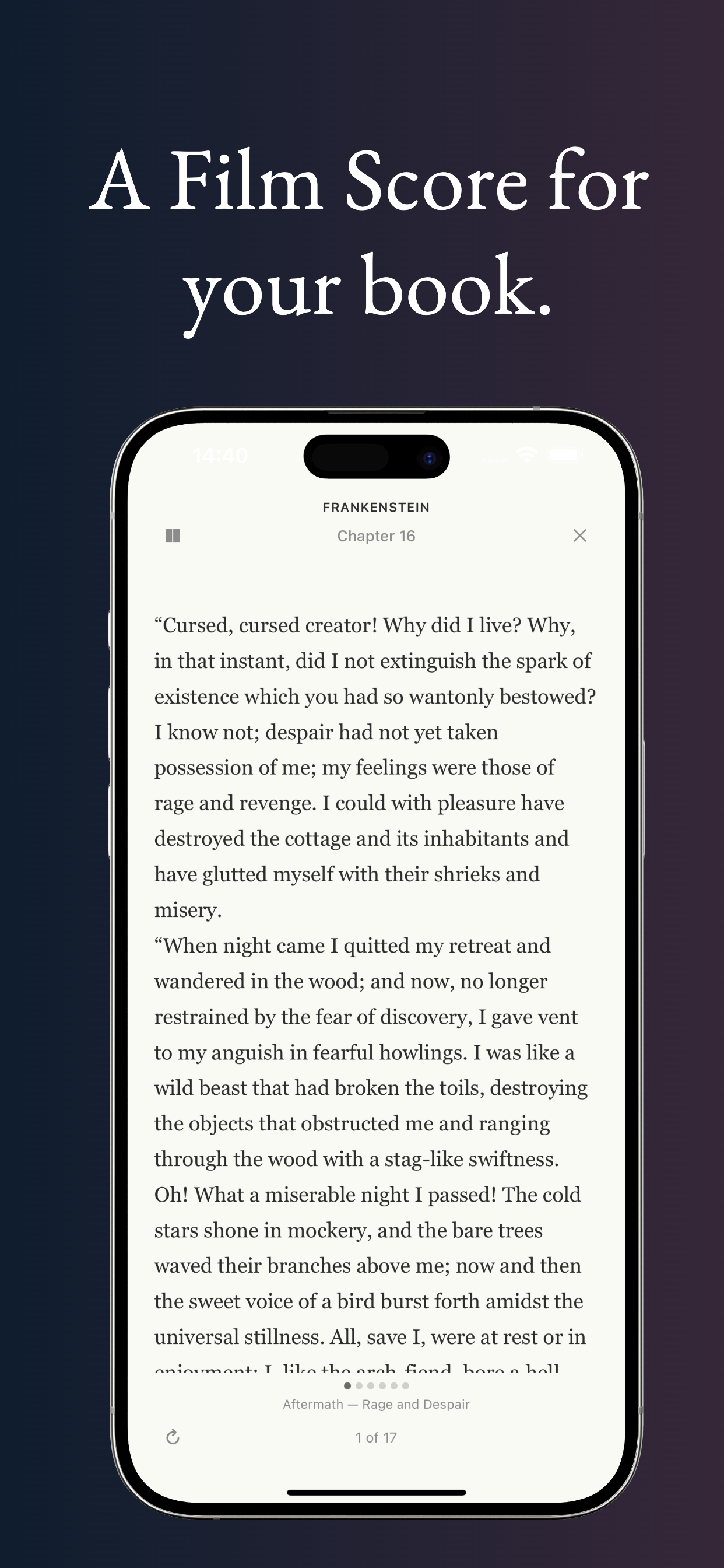
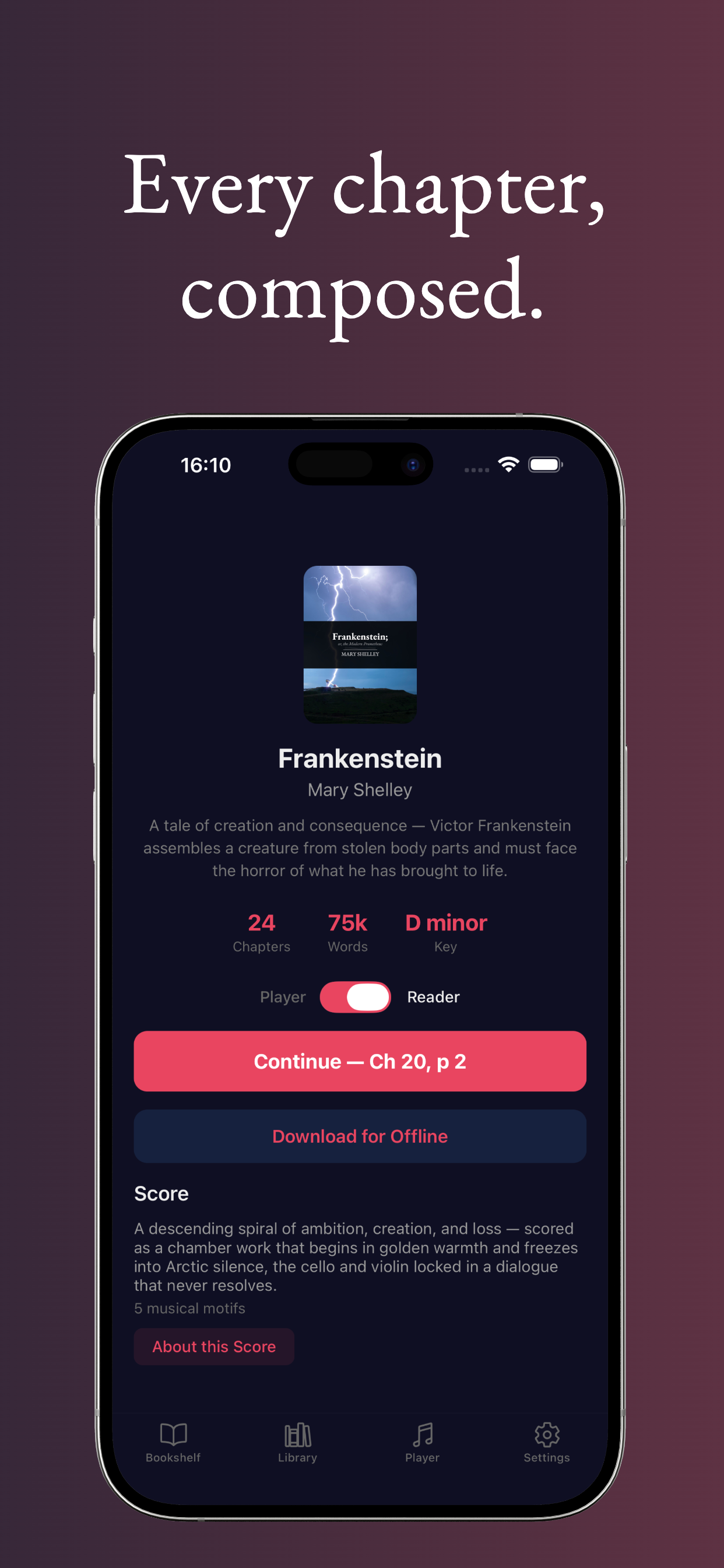
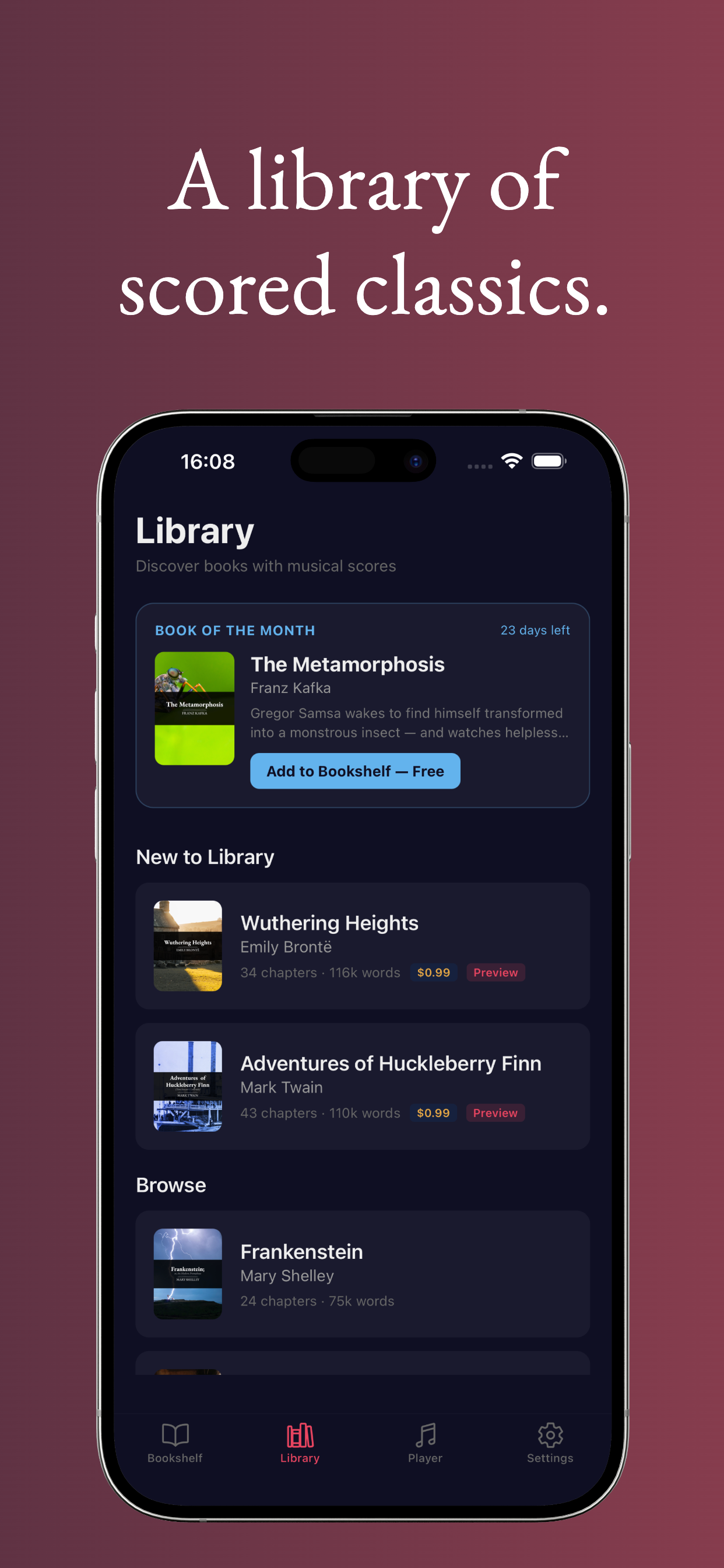
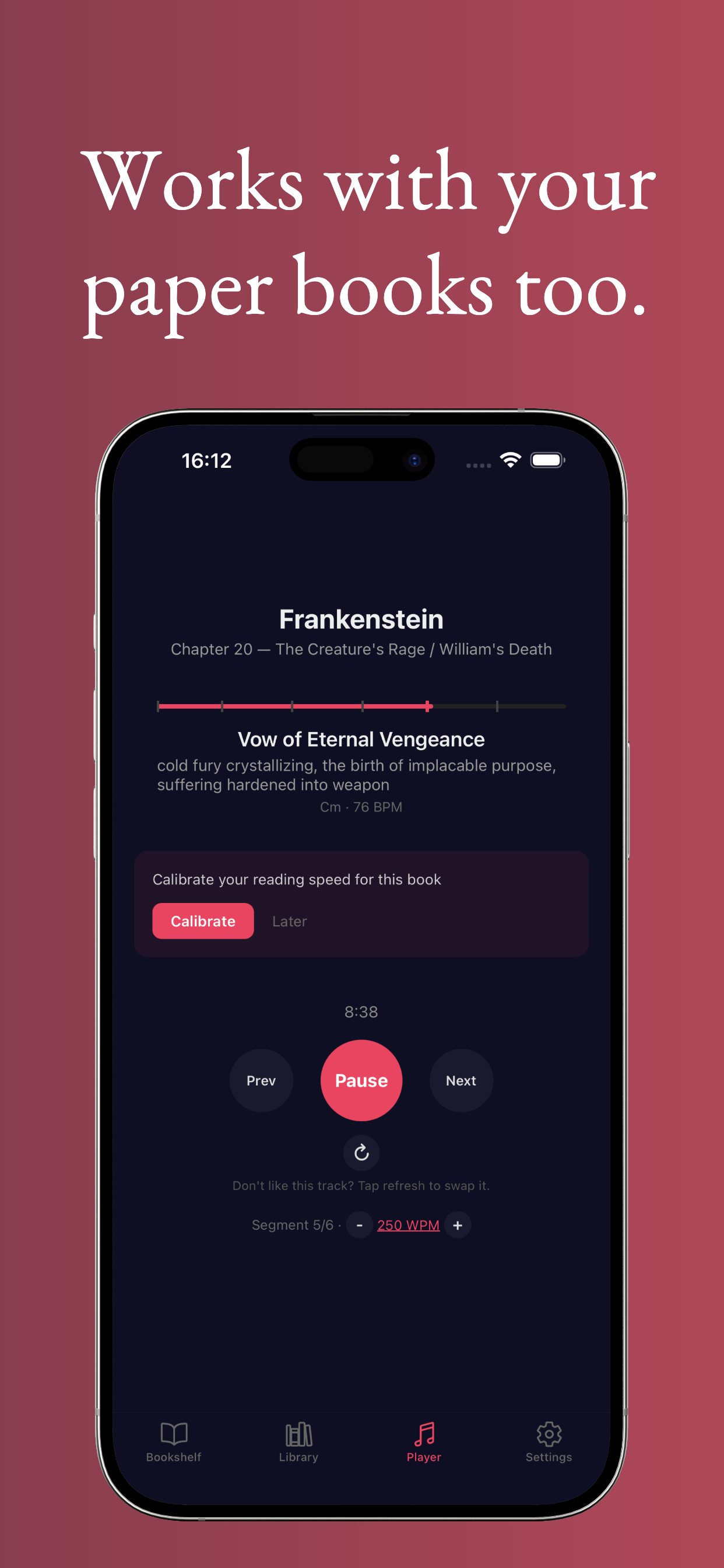
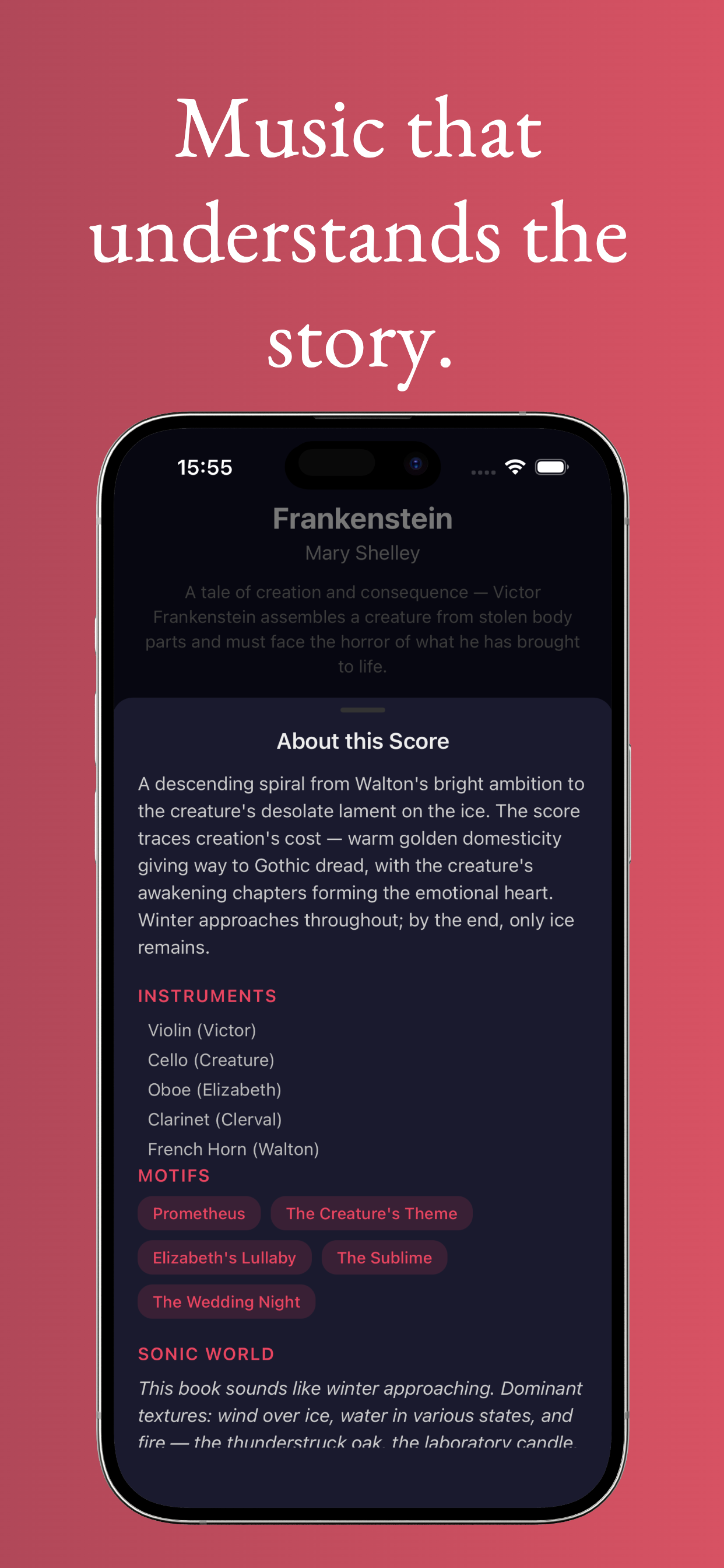
Original music that synchronizes to your reading pace. Every book gets a unique score that evolves with the narrative.
Underscored generates original film-score-style music synchronized to your reading pace. Every book gets a unique musical score that evolves with the story: themes for characters, motifs for recurring ideas, and dynamic shifts that mirror the narrative arc.
The music responds to the emotional arc of each chapter: tension builds during conflict, themes shift with new settings, and quieter passages breathe alongside reflective prose. Read the way films are watched.
The current library features public domain classics, from Shelley's Frankenstein to Fitzgerald's The Great Gatsby, each with a handcrafted score brief that guides the AI composition. More books are added regularly.
Every book receives its own score, composed from a handcrafted brief that maps the emotional arc, assigns instruments to characters, and designs motifs for recurring themes.
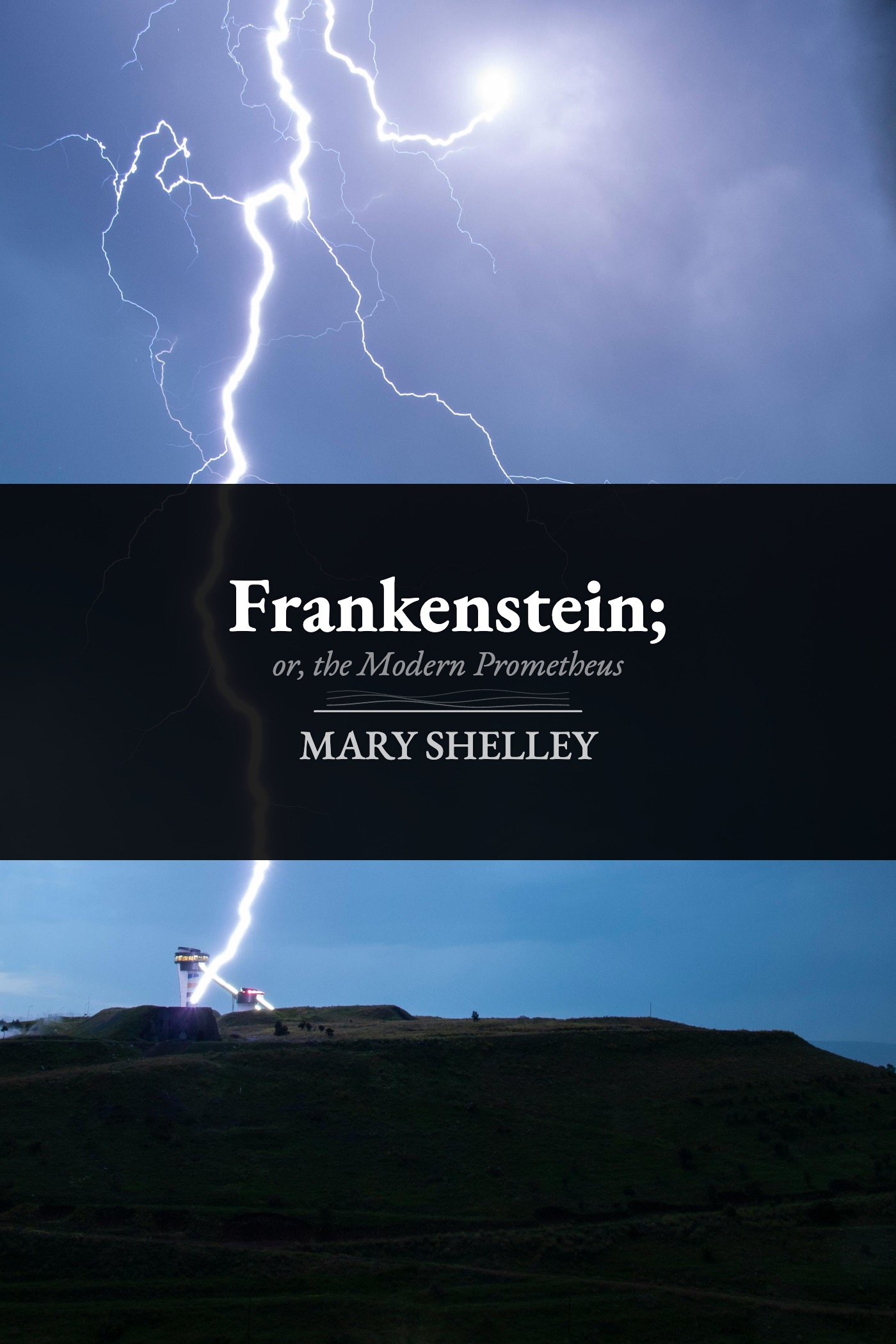
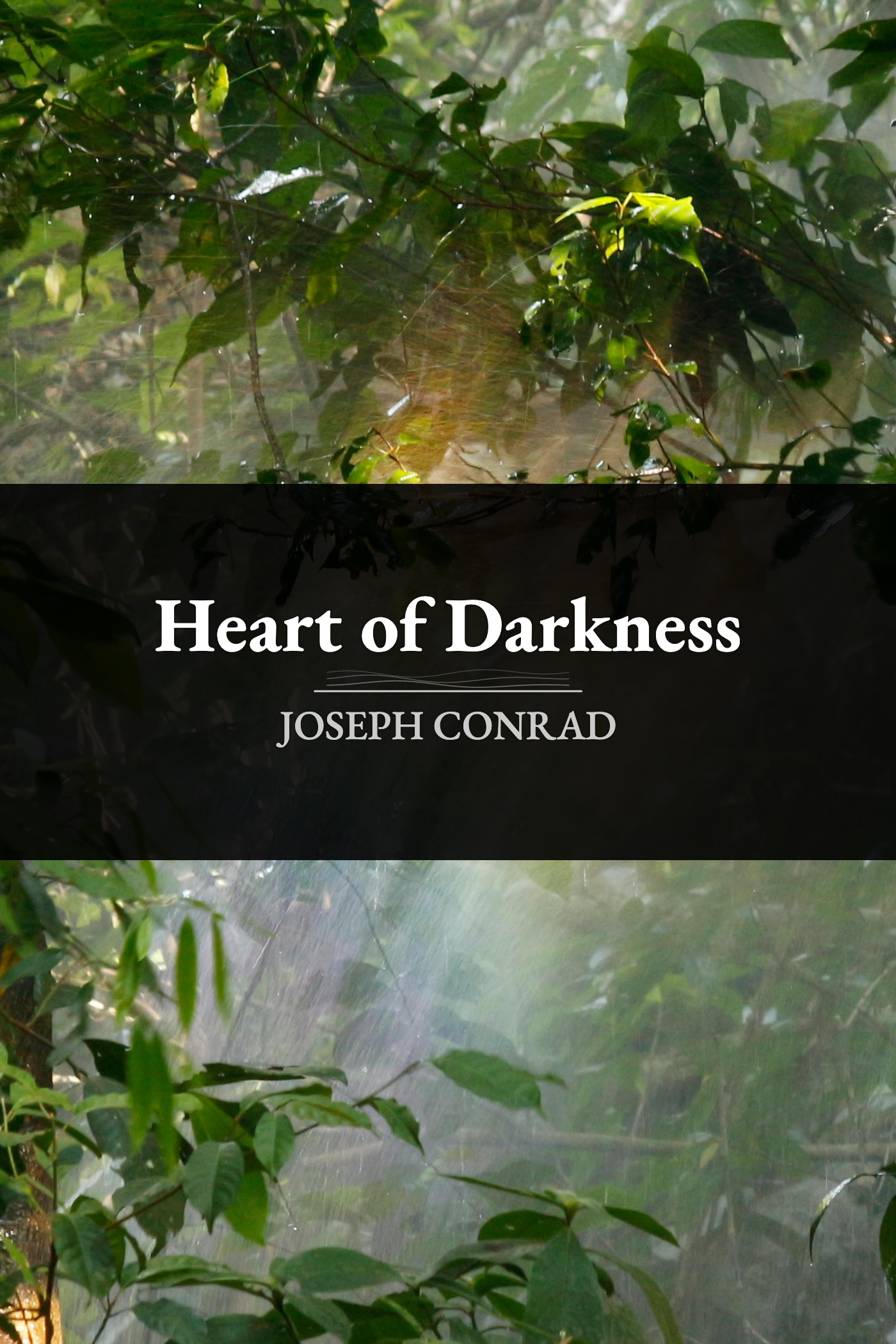
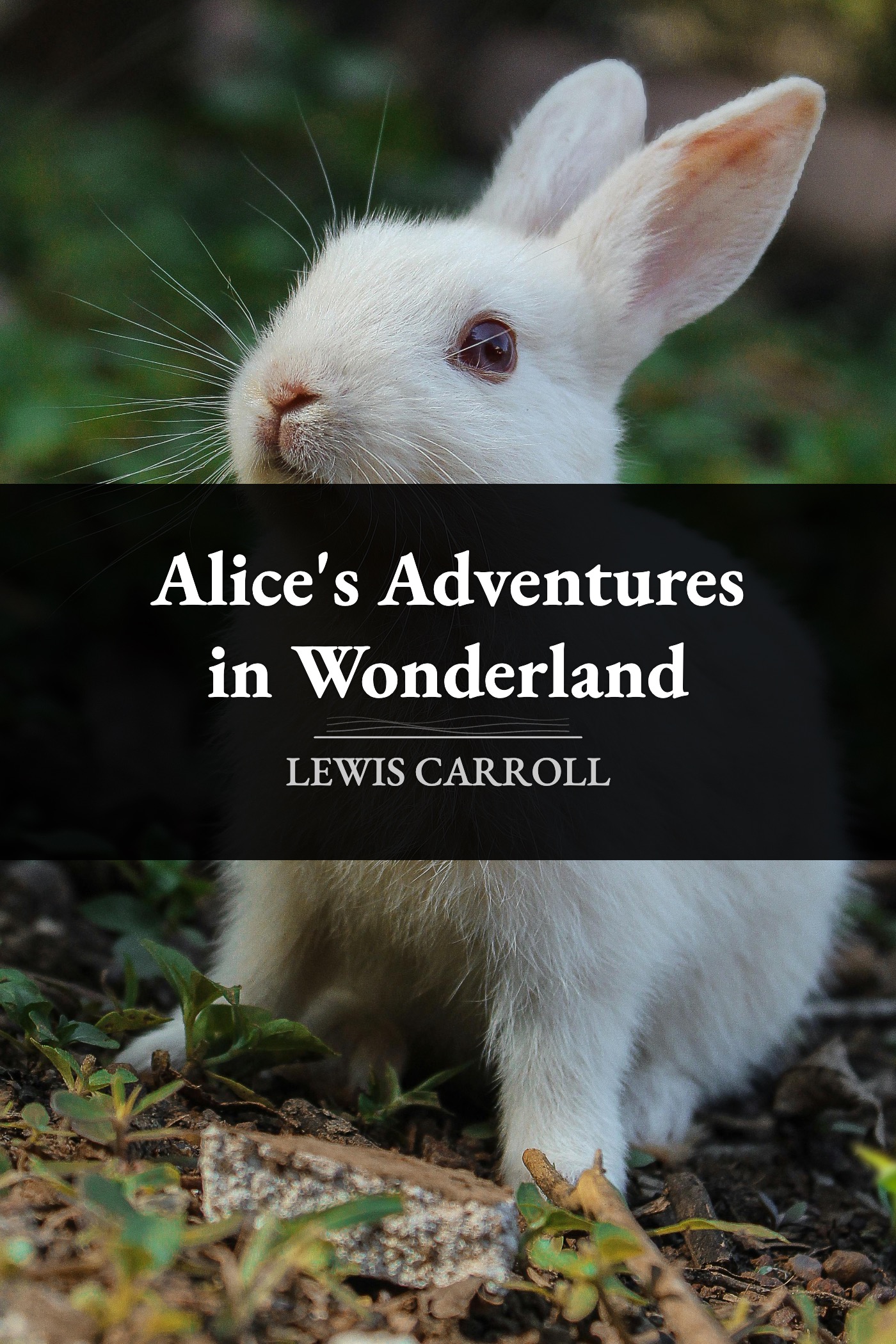
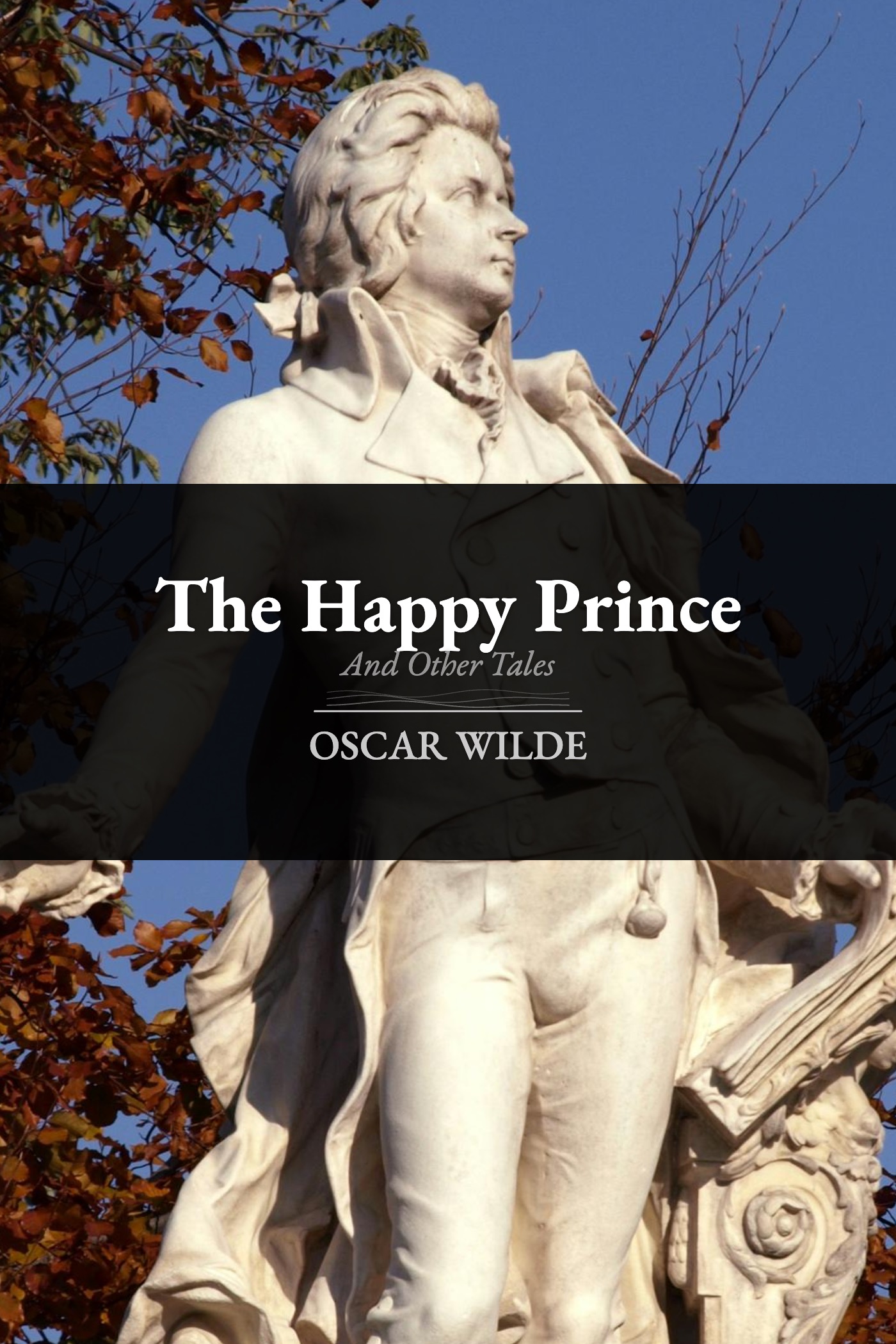
"A descending spiral of ambition, creation, and loss, scored as a chamber work that begins in golden warmth and freezes into Arctic silence. The cello and violin locked in a dialogue that never resolves."
From the Frankenstein score brief
Underscored uses AI to compose music. That raises fair questions. Here are honest answers.
All music is generated, not sampled or copied. No existing songs, recordings, or compositions are used in any score. The AI model creates original instrumental passages from text descriptions of mood, tempo, and instrumentation.
Each book has a score brief, a human-written document describing the musical vision for the novel. This brief specifies themes, moods, instrumentation, and how the score should evolve across chapters. An AI composition model (ACE-Step) then generates original audio from these descriptions. Every segment is unique to the book it was composed for.
The AI does not remix, sample, or copy existing music. It doesn't pull from a database of songs. It composes from text descriptions the same way a synthesizer produces sound from electrical signals. It's a tool for creation, not a shortcut around it.
The library currently features public domain texts only. We take both literary and musical intellectual property seriously. No copyrighted books are included, and no copyrighted music is used in any form.
We're upfront about AI's role: it is a compositional tool. The artistic direction, the score briefs, the narrative analysis, the emotional mapping, is human work. The AI handles the final step of turning those directions into audio. We think that's a fair and honest use of the technology.
Something not working? We're happy to help.
Each month, one book from the library is available to read and listen to for free, no purchase required. Just open the app, find the featured book on the Library screen, and tap "Add to Bookshelf." You can stream the full score for the duration of the month. If you'd like to keep it permanently for offline listening, you can purchase it at any time.
Purchases are tied to your Apple ID and restore automatically. If a book you've purchased shows as locked, go to the book's detail screen and tap the purchase button. The App Store will recognise your previous purchase and unlock it at no charge. Make sure you're signed in with the same Apple ID you used originally.
First, check that your device isn't in silent mode (flip the physical switch on the side of your iPhone). Make sure the volume is up and no other audio apps are actively playing. If you've downloaded the book, try deleting it and re-downloading to re-fetch the audio files. If the issue persists, email us and we'll help troubleshoot.
We'd love to hear from you. Email us at [email protected] with a description of what happened, which book you were reading, and your device model. Screenshots are always helpful.
Email us at [email protected]
Underscored is designed to respect your privacy. The short version: we don't collect your data.
Questions about this policy? Reach us at [email protected].
Last updated: March 2026